
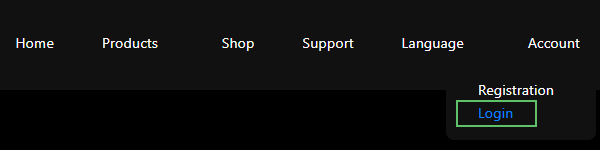
To download the software, start by logging into the website with your credentials using the Login link below the menu in the top-right corner (highlighted in green in Figure 1).
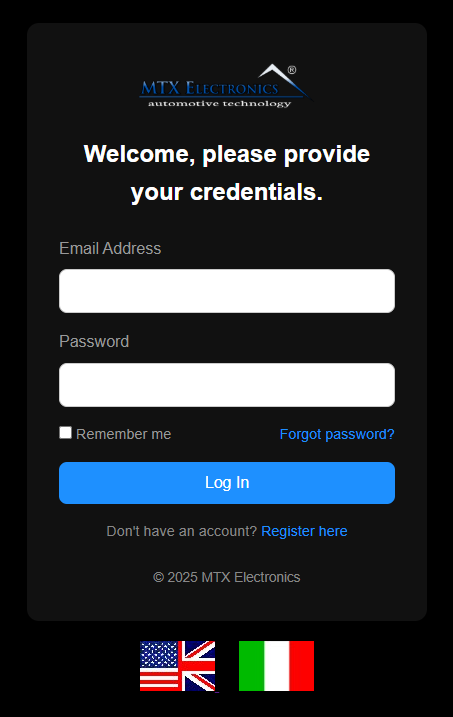
On the login page, enter your EMAIL and PASSWORD and press Log In.
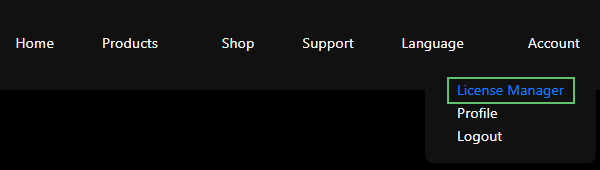
After logging in, open the License Manager page from the top-right menu.
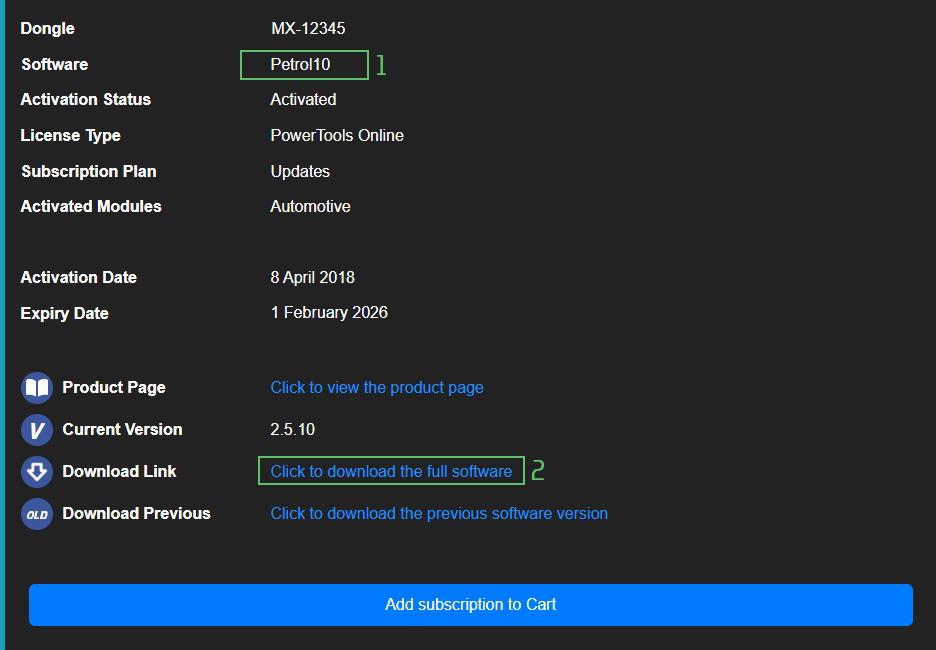
The License Manager lists every product you have purchased, each with a download for the full version. In Figure 4 the product name is in the upper green box; click the link in the lower green box to download it.
Note — You need an account with a valid, purchased licence to see and download the software. If the License Manager page is empty, check that you are signed in to the right account, or contact support.

Immobilizer deactivation software for automotive professionals. Disable factory immobilizers directly in the ECU file ideal for engine swaps, track vehicles, and module replacements.

A hex editor built specifically for editing EEPROM data in automotive ECUs. With real-time checksum correction, side-by-side file comparison, and plugin support for automated tasks it's the ultimate tool for professionals.
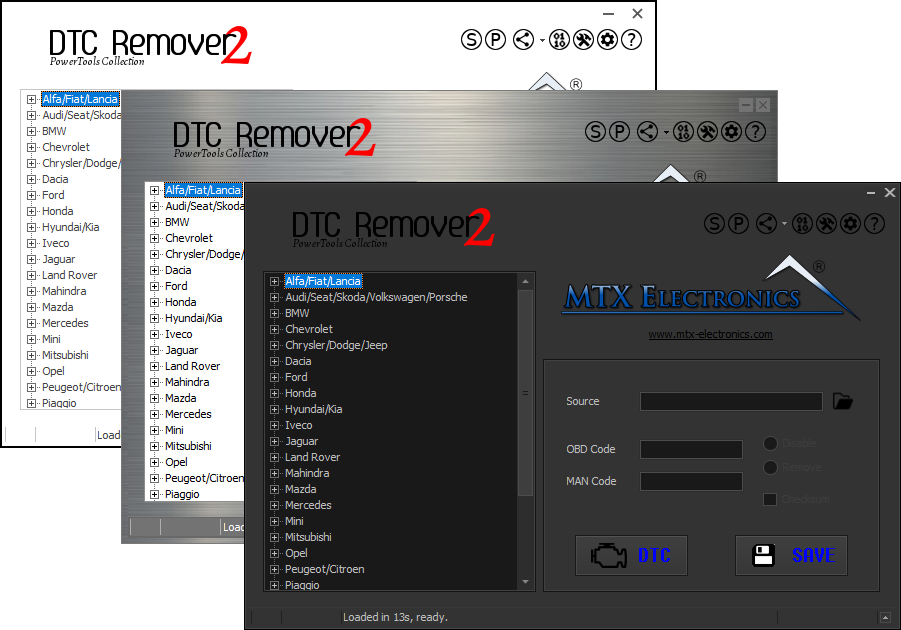
Lets you quickly disable fault codes to turn off the MIL light directly from your ECU file. Available in Standard and PowerTools editions with advanced scripting and online presets to remove faults by component groups.