
You can start a new job in several ways:
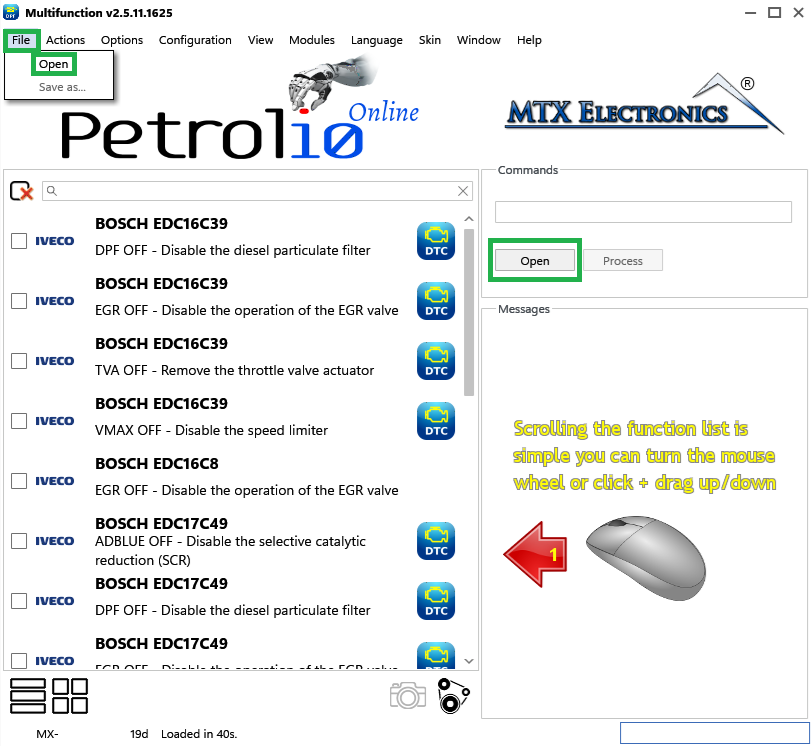
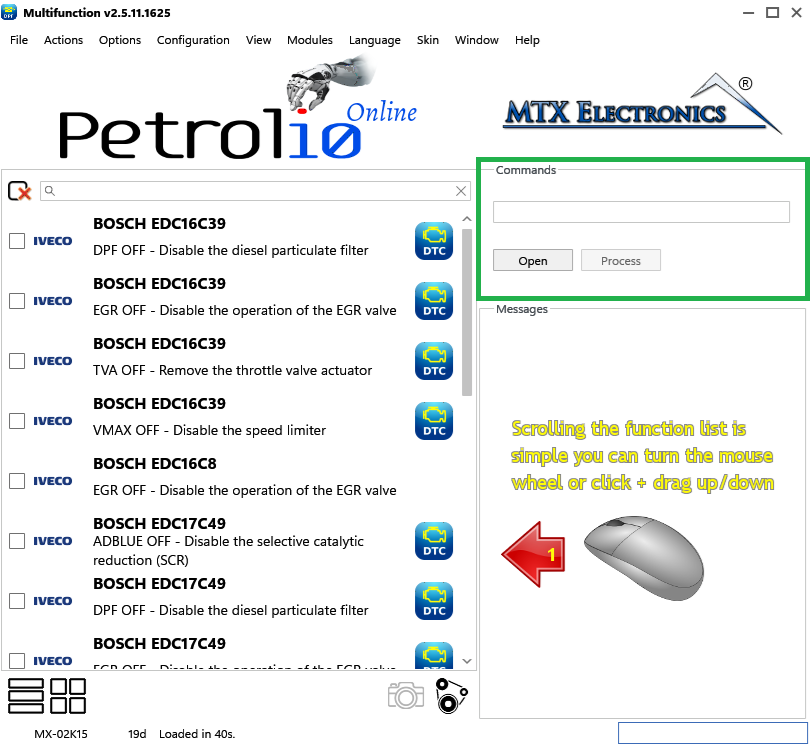
The Commands area accepts a file either by drag-and-drop or with the Open button.
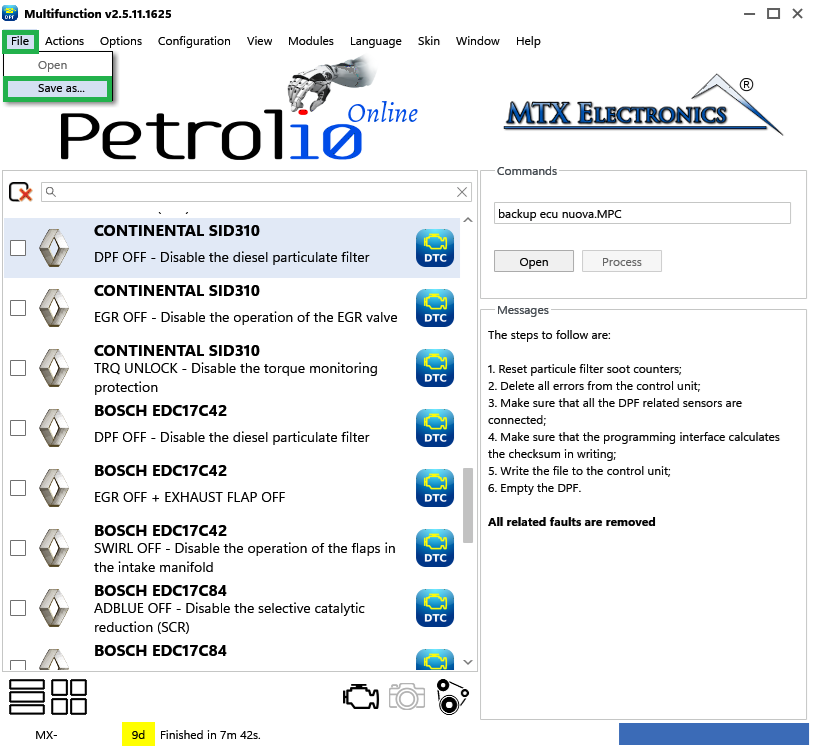
When you have made your changes, choose File › Save as... to save the file with everything applied (for example DPF OFF, EGR OFF, DTC OFF, and so on).
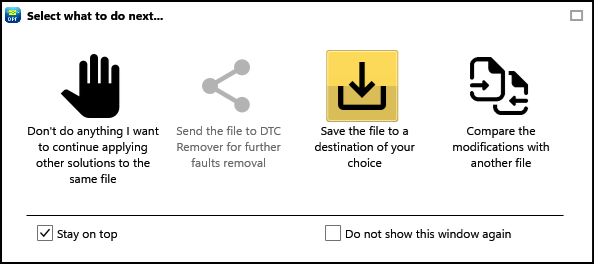
Note — After the solutions are processed, an export window appears (Figure 4). Its "Save file to a destination of your choice" icon does the same thing as File › Save as...
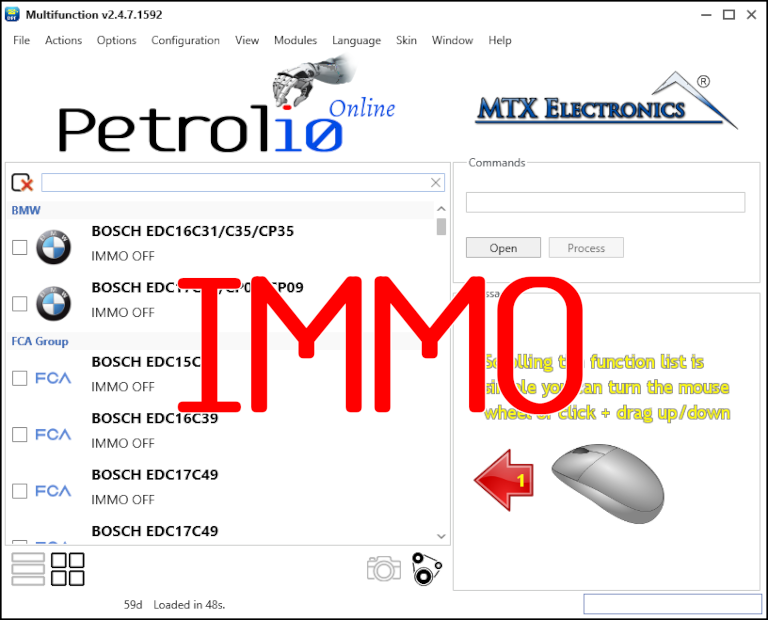
Immobilizer deactivation software for automotive professionals. Disable factory immobilizers directly in the ECU file ideal for engine swaps, track vehicles, and module replacements.
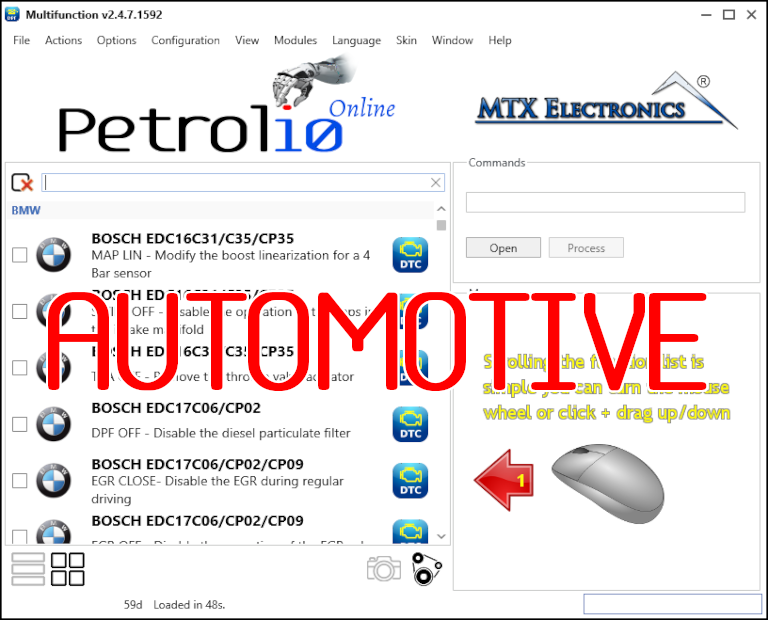
All-in-one application for tuning experts preparing vehicles for track use. Designed for professional workshops, it simplifies the deactivation of non essential components to unlock true performance.
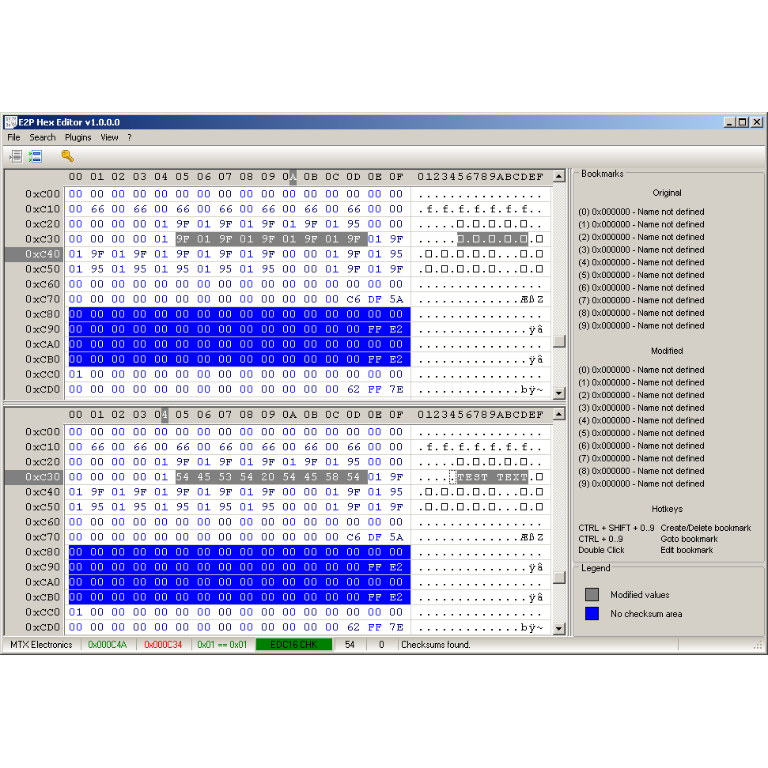
A hex editor built specifically for editing EEPROM data in automotive ECUs. With real-time checksum correction, side-by-side file comparison, and plugin support for automated tasks it's the ultimate tool for professionals.