
The Options menu holds two switches that change how a solution is applied when you process a file. Open it from Options in the top menu bar (Figure 1). Each item is a checkbox: a checkmark means the behaviour is active. Both are on by default, and the aggressive setting is remembered between sessions.
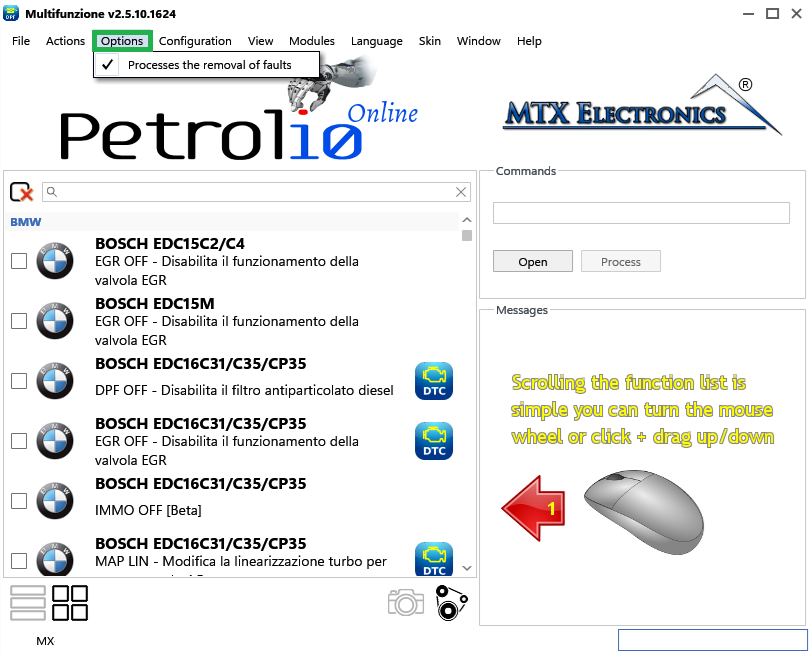
When this is on (the default), the solutions you apply also clear the stored fault codes (DTCs) they are designed to remove. Turn it off to keep those faults active — useful for diagnosing why a car enters limp-home mode or lights the malfunction indicator when no fault is detected in diagnostics, or only the generic P0000 code appears.
When fault removal is off, the saved file name gains the tag +FAULTS-ON to show that all faults were left active, and the program reminds you to switch the option back on once you have finished debugging.
A typical debugging procedure:
+FAULTS-ON.Some solution steps are marked as aggressive — stronger changes that go beyond the standard edit. When this option is on (the default), those steps are applied together with the rest of the solution. Turn it off to skip them and keep a more conservative result.
When aggressive modifications are off, the affected steps are left out of processing and the saved file name gains the tag +NO-AGGRESSIVE. This choice is saved, so it stays the same the next time you start the program.
Warning — Leaving Process the removal of faults off is meant for diagnosis only. Remember to switch it back on before producing a final file, otherwise the saved solution will not clear the faults it normally would.

A hex editor built specifically for editing EEPROM data in automotive ECUs. With real-time checksum correction, side-by-side file comparison, and plugin support for automated tasks it's the ultimate tool for professionals.

A free collection of checksum correction plugins for TunerPro that ensures safe ECU tuning. Automatically verify and update file checksums for reliable vehicle performance.
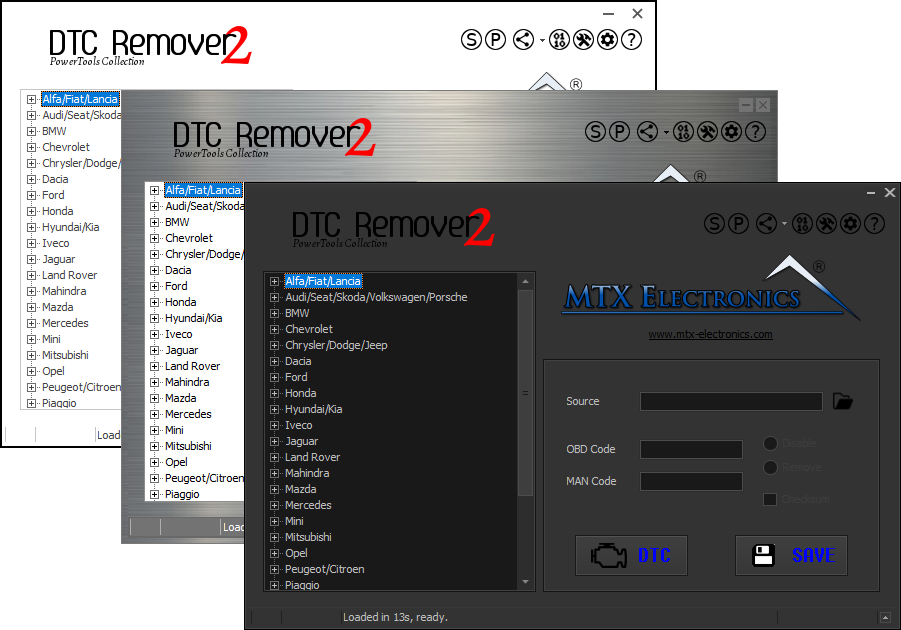
Lets you quickly disable fault codes to turn off the MIL light directly from your ECU file. Available in Standard and PowerTools editions with advanced scripting and online presets to remove faults by component groups.