
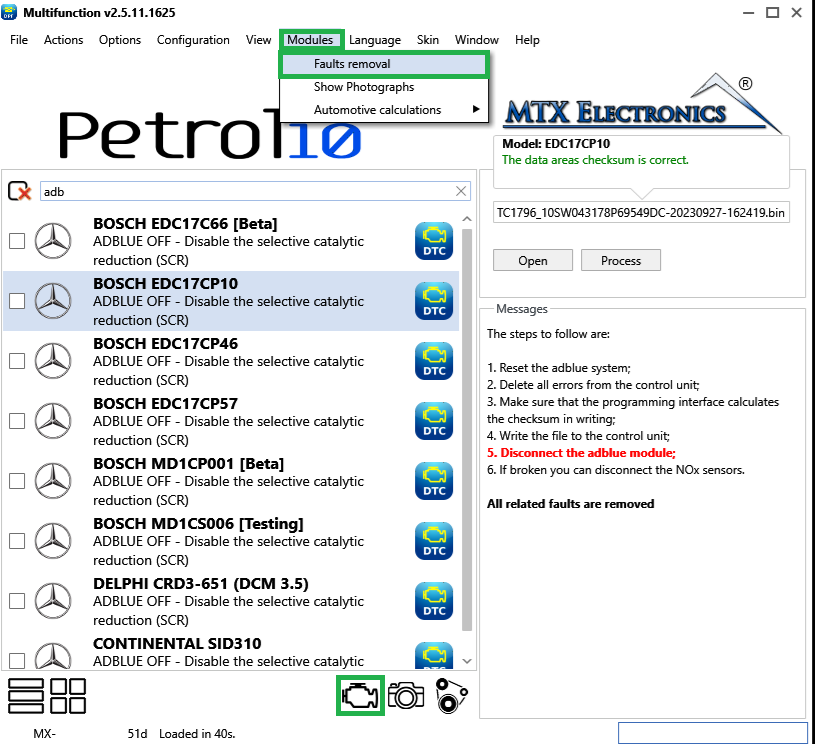
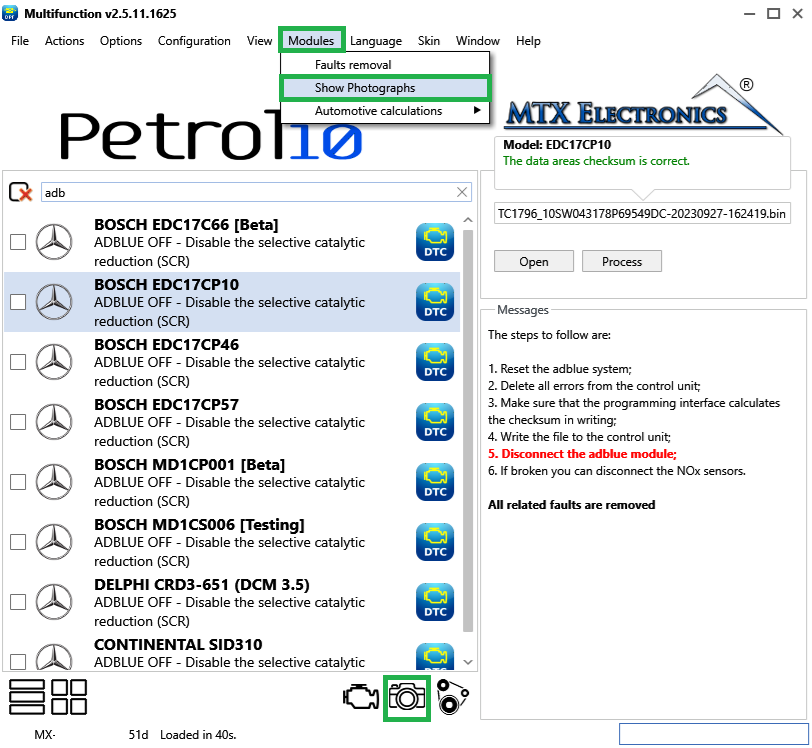
The Modules menu gathers extra features that go beyond simply processing a file. Open it from Modules in the top menu bar; the first two items also have a quick button at the bottom-right of the main window.
Faults Removal puts the integrated DTC-removal engine at your fingertips (Figure 1). Paste or type the fault codes you want to clear — one per line, or separated by commas on the same line — and press Delete. The tool reports how many faults it found, how many required action, and how many did not require action (those already disabled by the manufacturer or because the file is modified). You can save a list of codes as a preset and load it again later, and clear the list at any time. To keep the result, save the file from File › Save as....
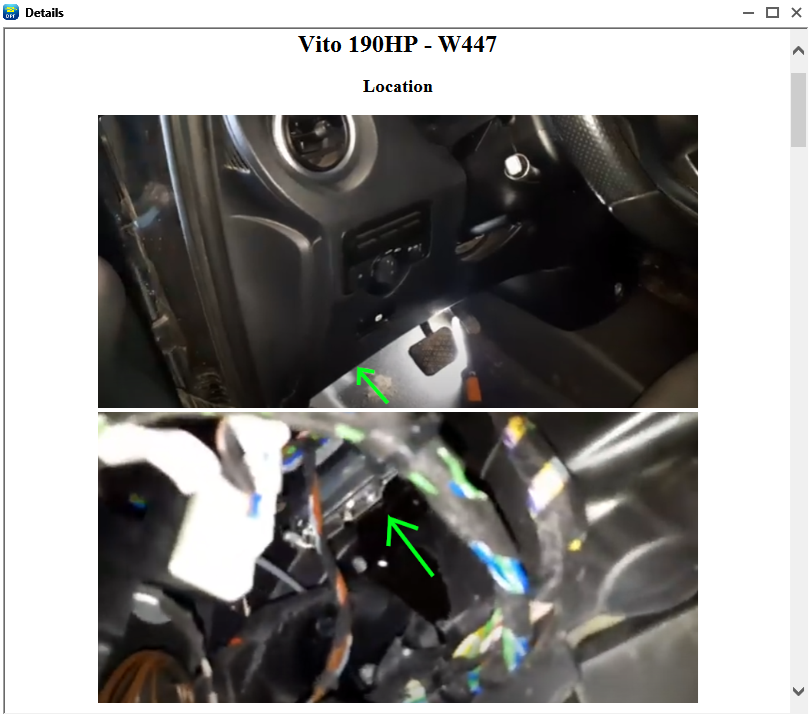
For the solutions where it is available, Show Photographs opens an in-program browser with images and diagrams for the currently selected solution — for example the location of the dosing control units (the AdBlue management units) (Figure 2 and Figure 3). The page is shown in the language the program is set to.
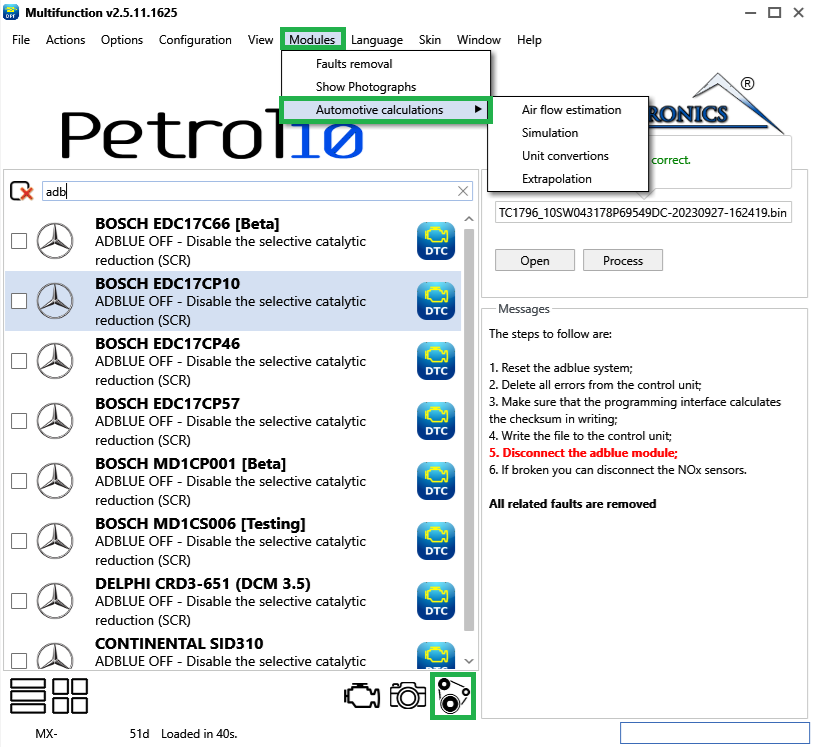
Automotive Calculations opens a window of small calculators for chiptuning estimates — air-flow estimation, a simulation plot, unit conversions and linear extrapolation (Figure 4). See Automotive Calculations for the full guide to each tab.
Note — Faults Removal works on the file currently loaded; the photographs and calculators are reference aids and do not change the file.

A hex editor built specifically for editing EEPROM data in automotive ECUs. With real-time checksum correction, side-by-side file comparison, and plugin support for automated tasks it's the ultimate tool for professionals.

All-in-one application for tuning experts preparing vehicles for track use. Designed for professional workshops, it simplifies the deactivation of non essential components to unlock true performance.
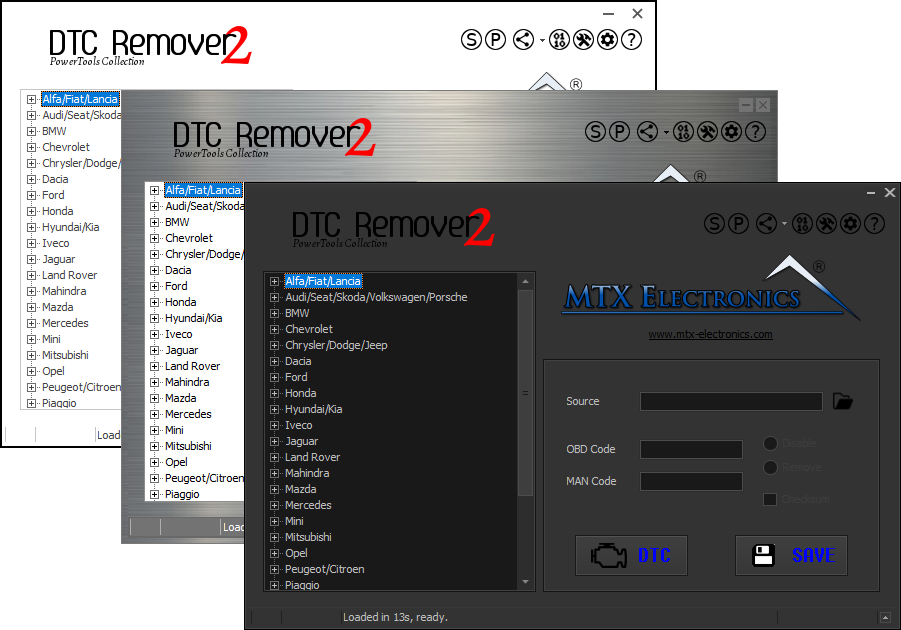
Lets you quickly disable fault codes to turn off the MIL light directly from your ECU file. Available in Standard and PowerTools editions with advanced scripting and online presets to remove faults by component groups.