
Find Similar Files searches your disk for files whose contents resemble a calibration you choose, ranks them by how close they are, and lets you open or import the matches. It is useful for finding the stock file a tune came from, spotting variants of a calibration, or locating a base to start a new project from. Open it from Search › Find Similar Files…. The window is non-blocking — the scan runs in the background, so you can keep working while it searches.

The Target (find files similar to) box sets what you are matching against, with two modes:
The Scan scope box controls where and how widely to search:
Start begins the search and Stop ends it early. A status line tracks progress as it goes — for example “Scanning… 1,240 files, 3 match(es)” — and reports the totals when it finishes or is stopped. Because the work happens on a background thread, the rest of Tuning Editor stays responsive throughout.
Matches appear in a table sorted by descending closeness, with columns for Similarity, File, Folder and Size. A Filter box narrows the list by file name. Each result offers three actions:
Note — similarity is judged by fuzzy binary hashing, not an exact checksum. The file’s bytes are reduced to a signature and compared, so the scan finds related calibrations — variants, revisions, the stock base — even when they are not byte-for-byte identical. A higher percentage means a closer match.
Tip — a tight size band and a higher minimum similarity make the scan faster and cut the noise. Point it at your folder of stock files to find the closest base for a new project, then use Import binary file on the best match.

All-in-one application for tuning experts preparing vehicles for track use. Designed for professional workshops, it simplifies the deactivation of non essential components to unlock true performance.

A free, modern Windows software for viewing and editing ECU calibration data - map and hex editors, tuning calculators, and online services.
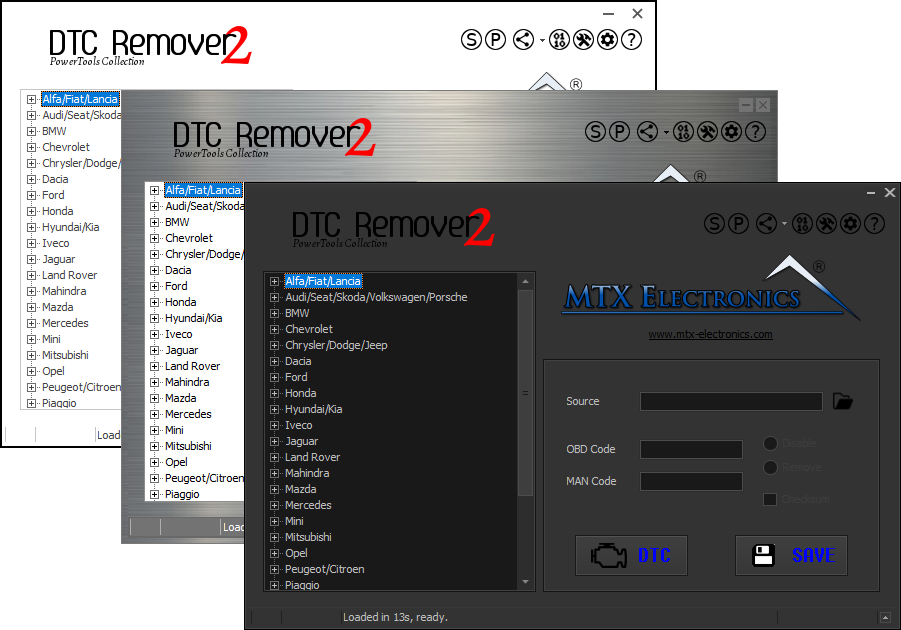
Lets you quickly disable fault codes to turn off the MIL light directly from your ECU file. Available in Standard and PowerTools editions with advanced scripting and online presets to remove faults by component groups.