
Tuning Editor can check for new versions and install them for you. It compares the version you have installed against the latest on the server; the check works for everyone, whether or not you are signed in.

Under Preferences › General › Software Updates you can have Tuning Editor check for updates automatically on startup and play a sound when an update is available. When one is found, the Help › Check for Updates… entry is marked and its tooltip reads “An update is available — click to install”.
To check whenever you like, use Help › Check for Updates… (or the Check now button in Preferences). Tuning Editor briefly shows “Checking for updates…”; if you are already on the latest version it tells you so, and if a newer one exists it offers it.
When an update is available you are shown Update available — Version X is ready to install with a Download & Install button. Choosing it:
Note — if a check or download fails you may see messages such as “Could not check for updates”, “The downloaded update is the wrong size” or “failed its integrity check”, or “Could not start the installer”. These are usually temporary (network or a partial download); try again later, or download the latest version from the website.
Tip — leave automatic checking on so you are told about new versions as they appear. The check needs no account and sends nothing about your files.
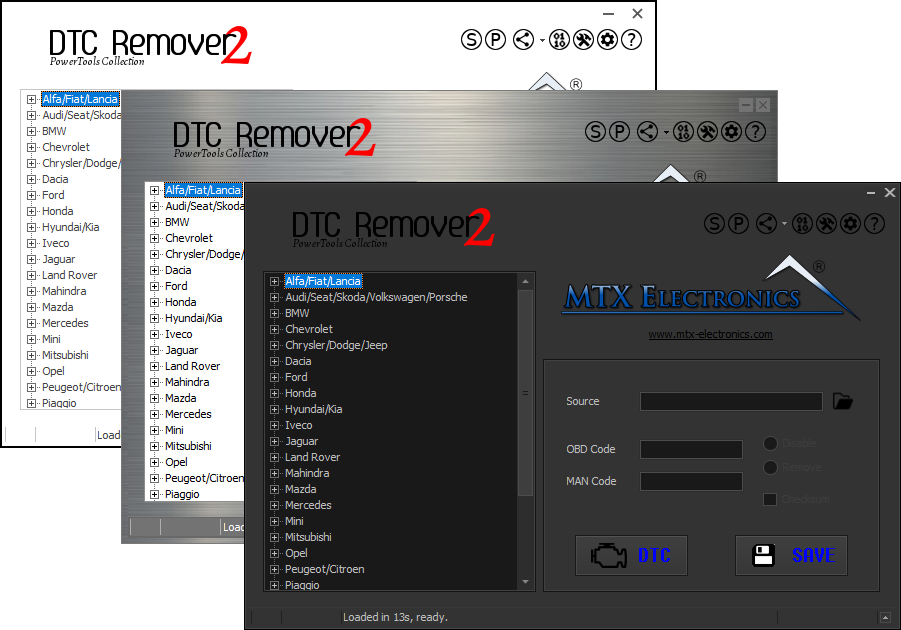
Lets you quickly disable fault codes to turn off the MIL light directly from your ECU file. Available in Standard and PowerTools editions with advanced scripting and online presets to remove faults by component groups.

All-in-one application for tuning experts preparing vehicles for track use. Designed for professional workshops, it simplifies the deactivation of non essential components to unlock true performance.

A free, modern Windows software for viewing and editing ECU calibration data - map and hex editors, tuning calculators, and online services.