
How the Disable and Remove options behave depends on the ECU family. This page summarises what to expect on the most common processors. For the meaning of each option see the FAQ; for the removal workflow see Removing fault codes.
With the default Disable option the modification downgrades the fault (the car still flags that it is in a fault state). Two outcomes are possible:
Switching to Remove applies a different modification that blocks the ECU from recognising the fault. This can clear some faults that Disable could not (the first case above). Again two outcomes are possible: either the fault is gone but the light stays on, or the light goes off and the fault is gone.
Note — The Remove option is not available on Fiat 6JF (70 cv) ECUs.
Note — If the dashboard light stays on even after writing a file processed with Remove, you can sometimes resolve it by forcing a clean-up of the data stored in the EEPROM. After the data is cleared the ECU turns the light off and starts a fresh round of checks; with luck it then skips the check for the fault you removed. Two ways to force a clean-up: (1) in the diagnostic tool, under the adaptation functions, run ‘Reset self-learnt functions’ (the car will ask you to press the clutch so it can recognise the gearbox configuration; some cars need other re-learns); (2) if that function is not available, induce a fault to generate a new error, then restore the conditions and clear the errors with the diagnostic tool.
On EDC15C the current technique downgrades the fault to a simple warning; depending on the fault category this usually results in one of:
Note — EDC15P and EDC15VM are an exception: they use a different technique where the ECU detects no fault at all, so the result is always light off and nothing reported in diagnosis.
With the default Disable option the modification downgrades the fault; the result is generally one of:
Where the Remove option is available, behaviour depends on how the file was read. For a file read in OBD (partial):
Files read in BDM (full) are handled differently with Remove: the file is checked for compatibility with a different modification that blocks the fault from arising, avoiding both the warning and the recovery mode. When this is applied it is shown on the status bar as “BDM Mode”.
Note — The BDM solution is not yet available on every ECU; in those cases the software falls back to the modification used for OBD (partial) files.

A free collection of checksum correction plugins for TunerPro that ensures safe ECU tuning. Automatically verify and update file checksums for reliable vehicle performance.
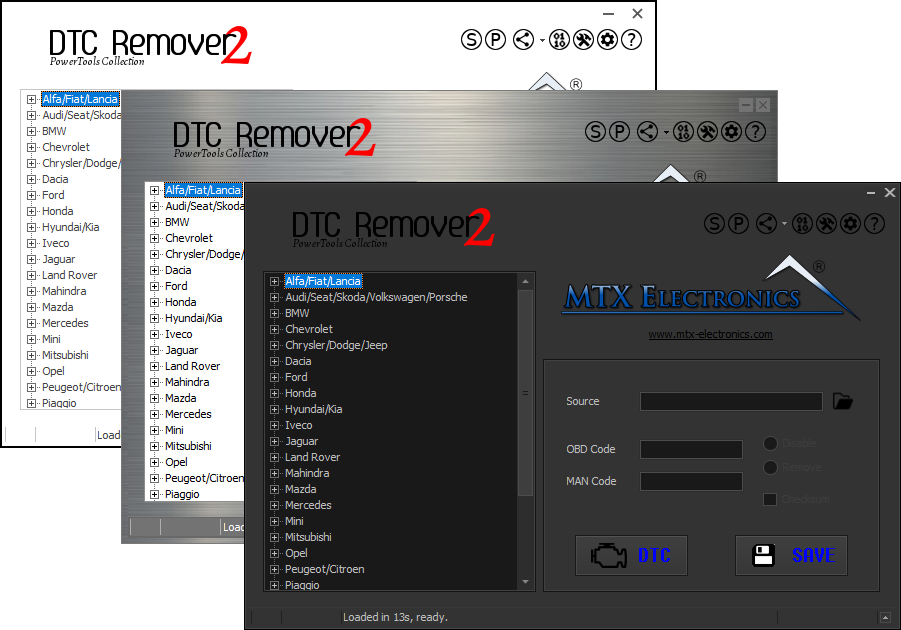
Lets you quickly disable fault codes to turn off the MIL light directly from your ECU file. Available in Standard and PowerTools editions with advanced scripting and online presets to remove faults by component groups.

A hex editor built specifically for editing EEPROM data in automotive ECUs. With real-time checksum correction, side-by-side file comparison, and plugin support for automated tasks it's the ultimate tool for professionals.