
Clearing a fault code is the core job in DTC Remover. The steps below take a file from open to saved. For a tour of the window itself, see Overview of the software interface.

Two modes decide how a fault is treated:
The mode selected by default can be set in Settings.
After DTC OFF, a Results window reports three figures:

The same summary is written to the status bar and the log. Untick Show this dialog again if you would rather not see the window every time (you can re-enable it from Settings).
Note — A count under Faults that do not require action is normal: it simply means those codes were already off, so there was nothing to change.

A hex editor built specifically for editing EEPROM data in automotive ECUs. With real-time checksum correction, side-by-side file comparison, and plugin support for automated tasks it's the ultimate tool for professionals.
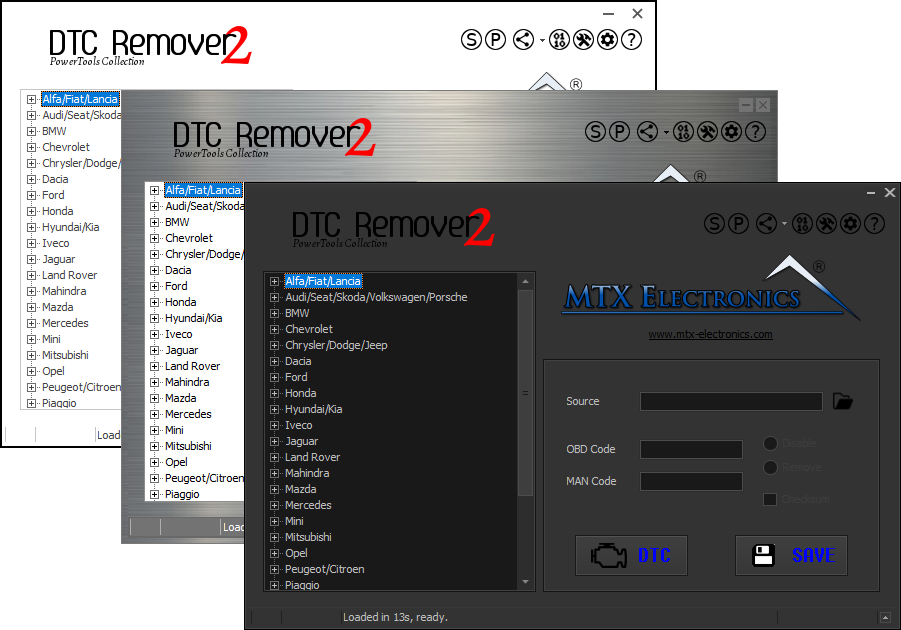
Lets you quickly disable fault codes to turn off the MIL light directly from your ECU file. Available in Standard and PowerTools editions with advanced scripting and online presets to remove faults by component groups.

All-in-one application for tuning experts preparing vehicles for track use. Designed for professional workshops, it simplifies the deactivation of non essential components to unlock true performance.