
The Settings button opens the window where you change the program language and adjust how DTC Remover behaves (Figure 1). Settings are remembered between sessions.

Choose the program language from the selector at the top; the interface updates to the selected language.
Note — The defaults suit most users. Change a setting only if you understand its effect; the options above can be turned back on or off at any time.

All-in-one application for tuning experts preparing vehicles for track use. Designed for professional workshops, it simplifies the deactivation of non essential components to unlock true performance.
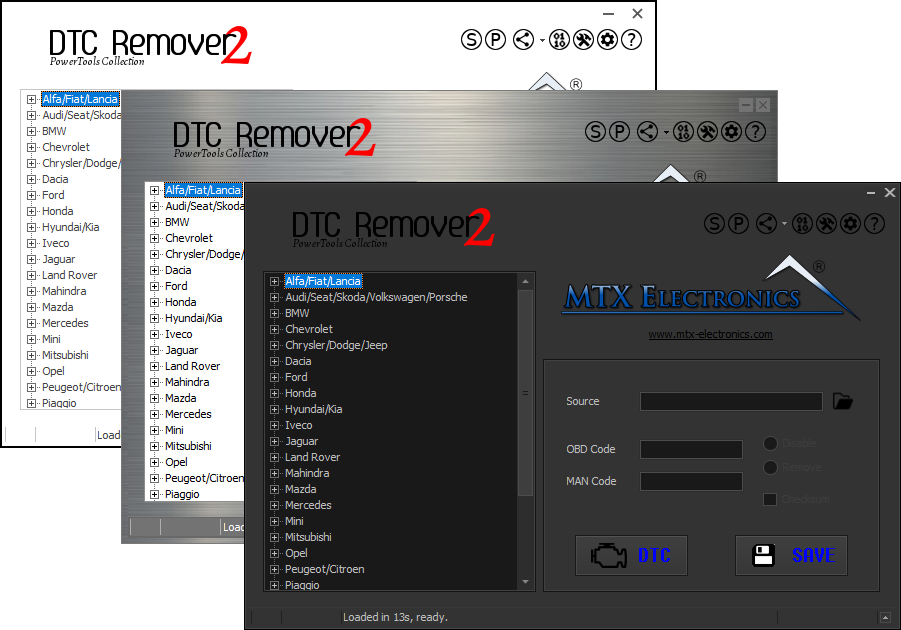
Lets you quickly disable fault codes to turn off the MIL light directly from your ECU file. Available in Standard and PowerTools editions with advanced scripting and online presets to remove faults by component groups.

A free, modern Windows software for viewing and editing ECU calibration data - map and hex editors, tuning calculators, and online services.