
This page gathers the parts of DTC Remover that deal with software information, the licence, support and logs.
The About button opens a window showing the current software version and information.
The View Online Help link opens the online help desk in your browser, where you will find articles and guides.
When you need help with a specific file, use Report to support to send the details to the technical team (Figure 1). Attach the file, fill in the car and engine, add any notes, and press Send; the file is uploaded together with your request. Your ID is shown on the form so support can identify your licence.

The status bar at the bottom shows your dongle ID and the days remaining on the licence. The licence renews every 60 days; click the days (or the dongle ID) to reactivate when it is close to expiring. The program then contacts the server to validate and extend your licence.
Click Show Log in the status bar to open the log window, which records what the program has done — useful when diagnosing an issue or describing it to support.
Tip — When reporting a problem, attaching the file and noting the car and engine helps support reproduce and answer your request faster.

Immobilizer deactivation software for automotive professionals. Disable factory immobilizers directly in the ECU file ideal for engine swaps, track vehicles, and module replacements.

All-in-one application for tuning experts preparing vehicles for track use. Designed for professional workshops, it simplifies the deactivation of non essential components to unlock true performance.
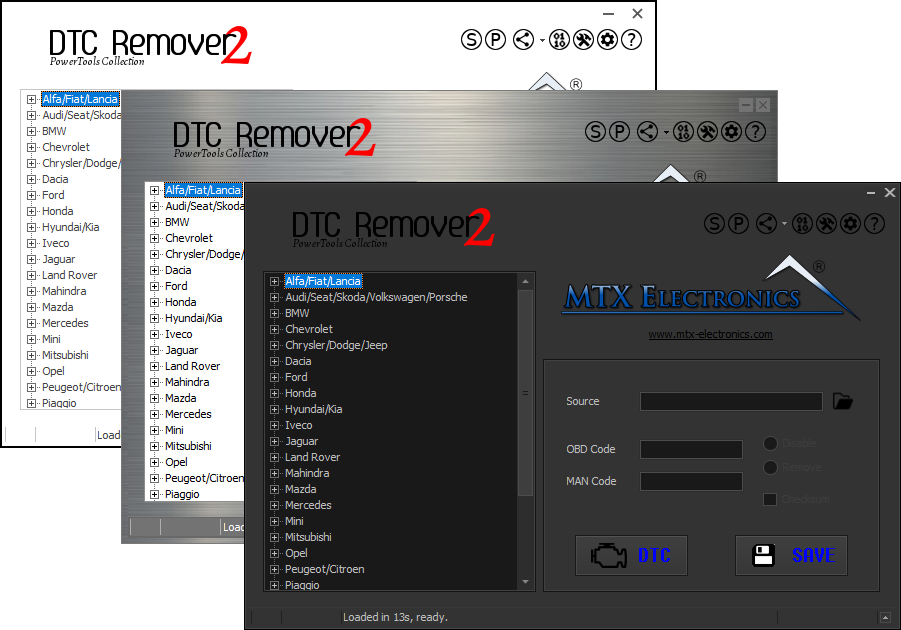
Lets you quickly disable fault codes to turn off the MIL light directly from your ECU file. Available in Standard and PowerTools editions with advanced scripting and online presets to remove faults by component groups.