
Common problems and how to resolve them. If a problem persists, you can send the file to MTX support — see Getting help.
This message means the software could not locate the work area it needs to disable the faults in that file. Send the file to support for further assistance.
If Disable downgrades the fault but the car stays in limp-home, switch to Remove, which acts more firmly (the exact technique depends on the ECU type). See ECU-specific notes for what to expect per family.
On some Magneti Marelli ECUs the MIL can remain on after writing a file processed with Remove. Use the diagnostic tool to run “Reset self-learnt functions” so the ECU clears its stored data and starts a fresh round of checks. The full procedure (and the alternative when that function is unavailable) is in ECU-specific notes.
Diagnostic tools report codes in different standards, so a code may not be found if it is in the wrong field or the wrong format:
If you use a tool that produces partial reads smaller than the standard file size, open the Settings window and tick “Skip file size check”, then load the file again.
If the program window is not displayed correctly (text or controls cut off), look for the scaling text showing “100%” to the right of the DTC Remover logo. Click it to switch to 125%, then restart the application; the window will then display correctly. (Available in v1.6.4 and later.)
If the software does not detect the dongle, install its driver: download and unpack the current DTC Remover release, open the “Drivers” folder inside the “DTCRemover” folder, and install the dongle driver from there. See Installing the software for the full procedure. The dongle must stay connected while the software is running.

A hex editor built specifically for editing EEPROM data in automotive ECUs. With real-time checksum correction, side-by-side file comparison, and plugin support for automated tasks it's the ultimate tool for professionals.

A free, modern Windows software for viewing and editing ECU calibration data - map and hex editors, tuning calculators, and online services.
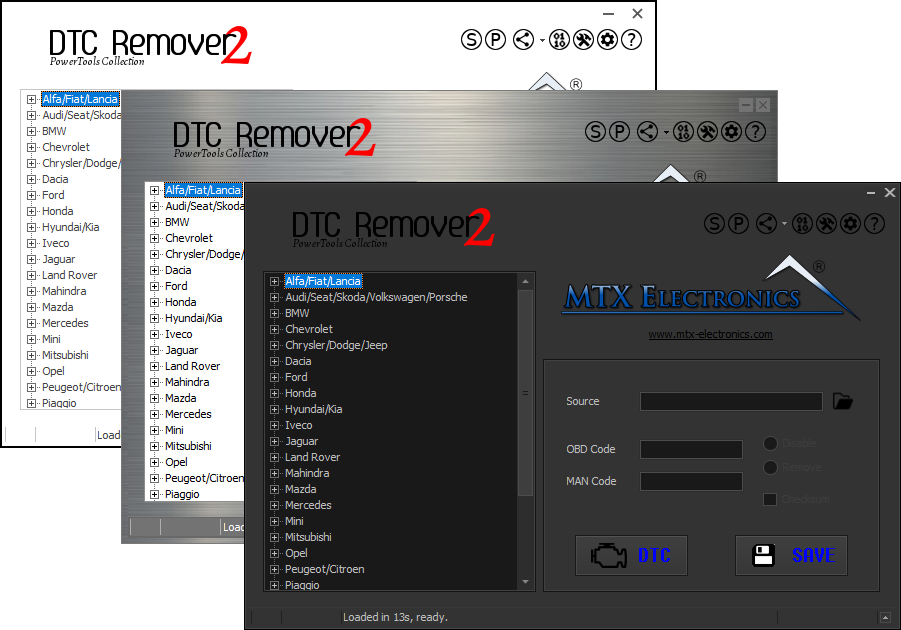
Lets you quickly disable fault codes to turn off the MIL light directly from your ECU file. Available in Standard and PowerTools editions with advanced scripting and online presets to remove faults by component groups.