
Short answers to common questions about using DTC Remover. For the full workflow see Removing fault codes; for behaviour on specific ECU families see ECU-specific notes.
OBD codes are the ones read with the diagnostic tool set to the generic OBD-II protocol; multi-brand ELM327 cables usually read only generic OBD codes. Manufacturer codes (shown as PROD in the software) are read with the tool set to the manufacturer-specific protocol. On Audi/Seat/Skoda/VW the manufacturer code to use is the 5-digit numeric one.
P0403).You can fill in both the OBD and PROD fields at the same time, so the software searches both tables in a single operation.
For how these behave per ECU family, see ECU-specific notes.
P0403).3071).P0403).P2002).3071).00123).12345).Rule of thumb: the software treats a 4-character entry as a VAG hexadecimal code and a 5-character entry as a VAG decimal code; no other lengths are accepted.
Tip — On VAG vehicles it helps to read the file with VAS or VCDS so you also capture the manufacturer codes — OBD codes alone may not be enough to clear every fault. For example, on an Audi A4 EDC17CP14 a differential-pressure fault can be stored only in manufacturer form (searched as the decimal code 05262), and some faults only appear under VCDS.

Immobilizer deactivation software for automotive professionals. Disable factory immobilizers directly in the ECU file ideal for engine swaps, track vehicles, and module replacements.

All-in-one application for tuning experts preparing vehicles for track use. Designed for professional workshops, it simplifies the deactivation of non essential components to unlock true performance.
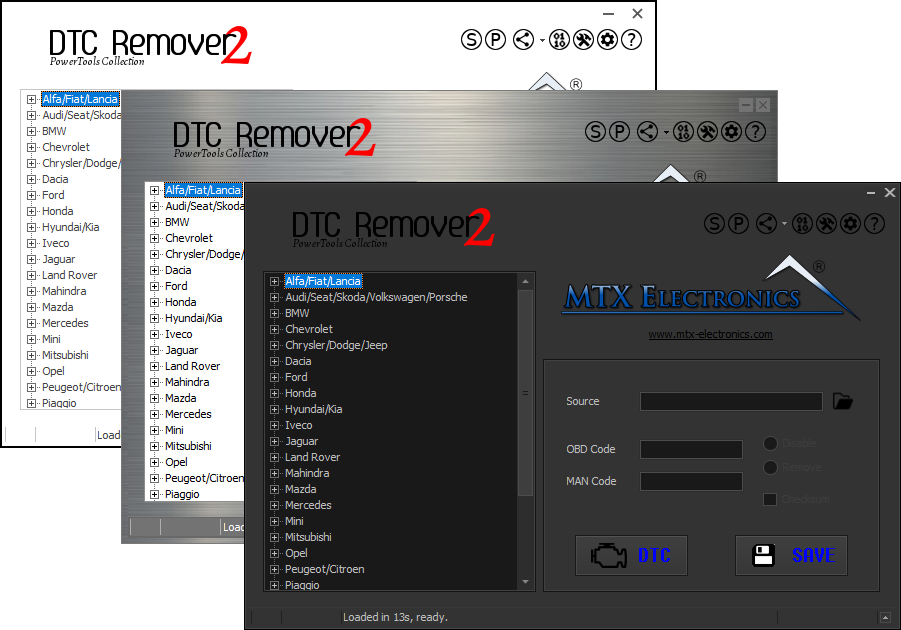
Lets you quickly disable fault codes to turn off the MIL light directly from your ECU file. Available in Standard and PowerTools editions with advanced scripting and online presets to remove faults by component groups.