
The Skin menu lets you choose the visual theme used across the whole program. Open it from Skin in the top menu bar, then click the theme you want.
Three themes are available. They are mutually exclusive — selecting one clears the others, and a checkmark marks the theme currently in use:
The change is applied immediately to every window — the main screen and all dialogs (settings, license manager, the calculators, and so on) — with no need to restart.
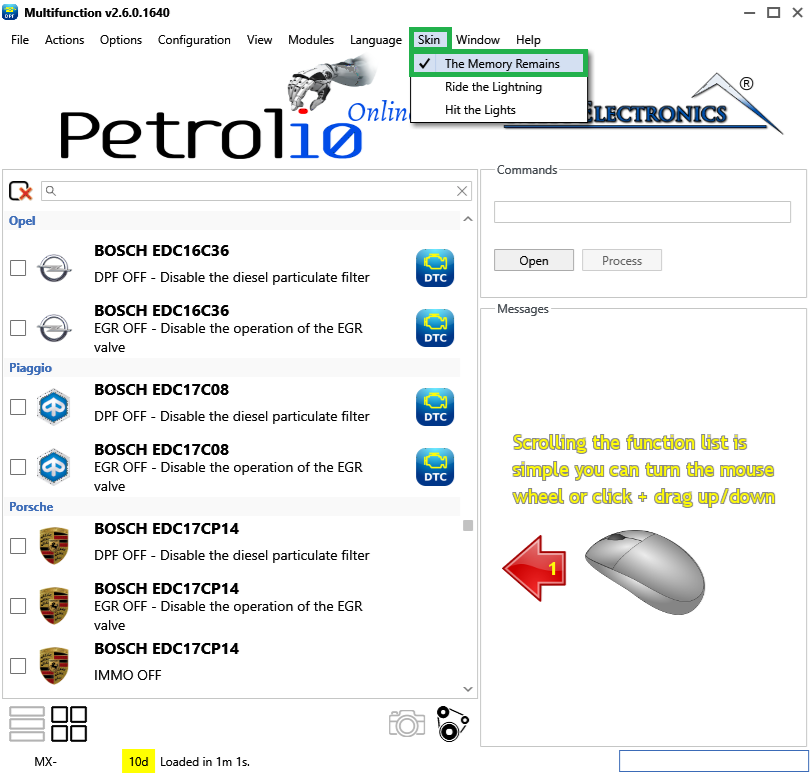
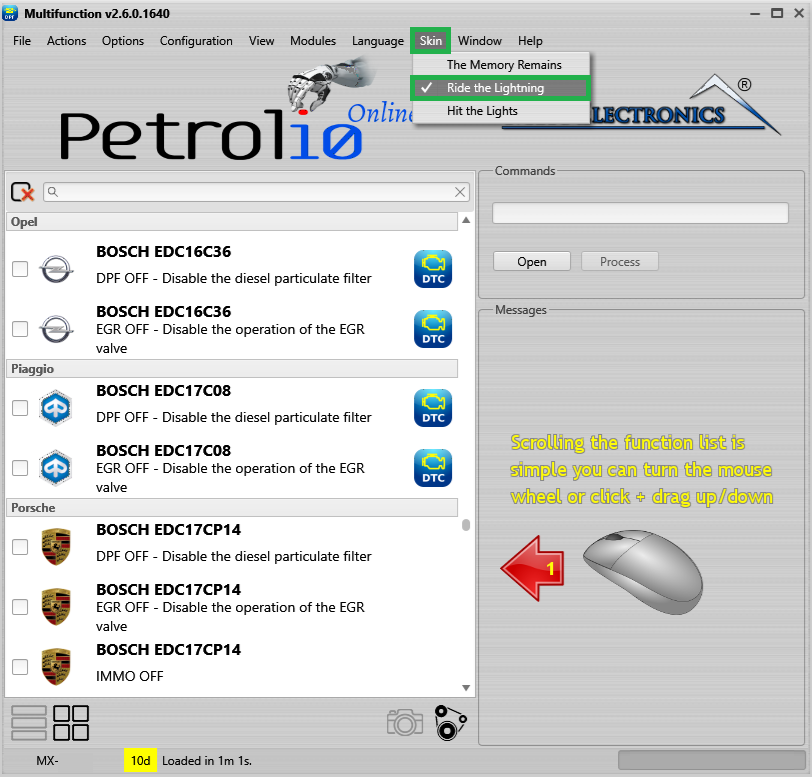
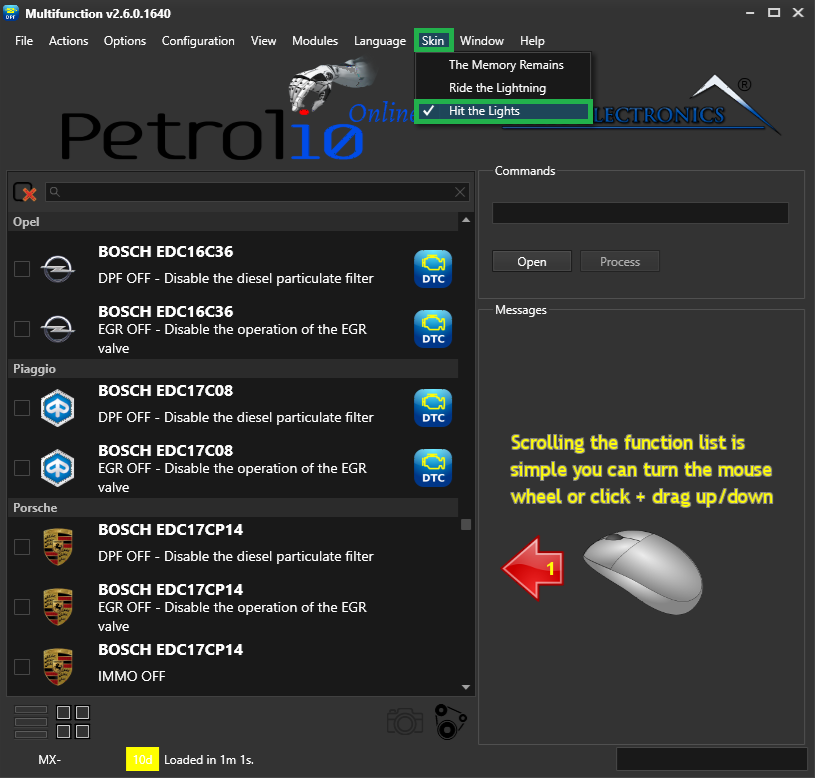
Note — Your choice is saved and reused automatically the next time you start the program, so you only need to set it once.

Immobilizer deactivation software for automotive professionals. Disable factory immobilizers directly in the ECU file ideal for engine swaps, track vehicles, and module replacements.

A free, modern Windows software for viewing and editing ECU calibration data - map and hex editors, tuning calculators, and online services.

A hex editor built specifically for editing EEPROM data in automotive ECUs. With real-time checksum correction, side-by-side file comparison, and plugin support for automated tasks it's the ultimate tool for professionals.