
The Window menu controls where the program window sits on screen and lets you save a layout you like. Open it from Window in the top menu bar.
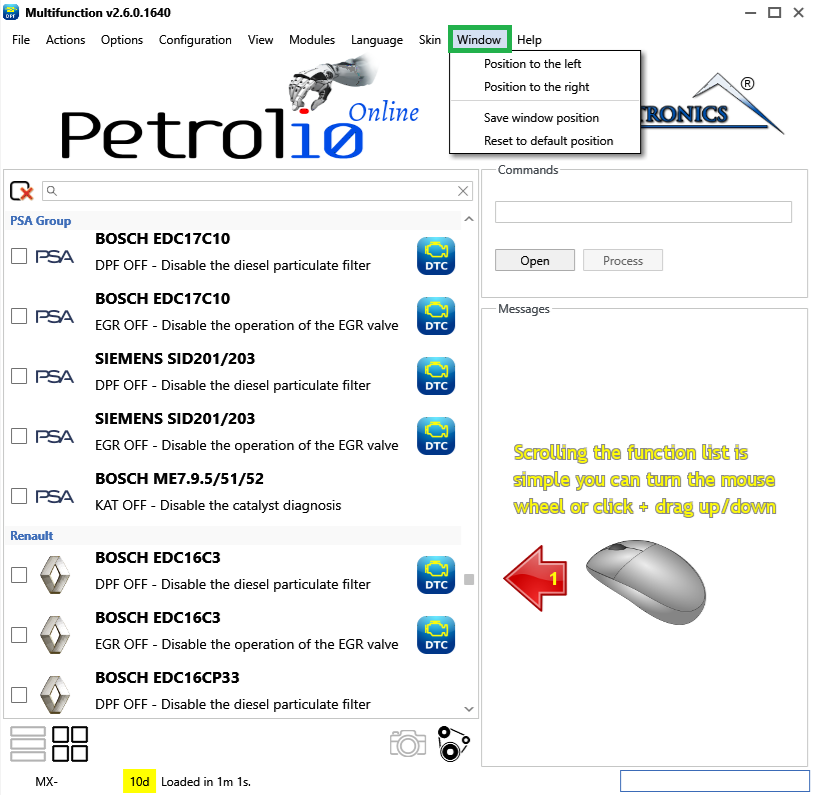
Tip — Pair Position to the left and Position to the right to work with the program side by side with another application, such as your notes or a browser.
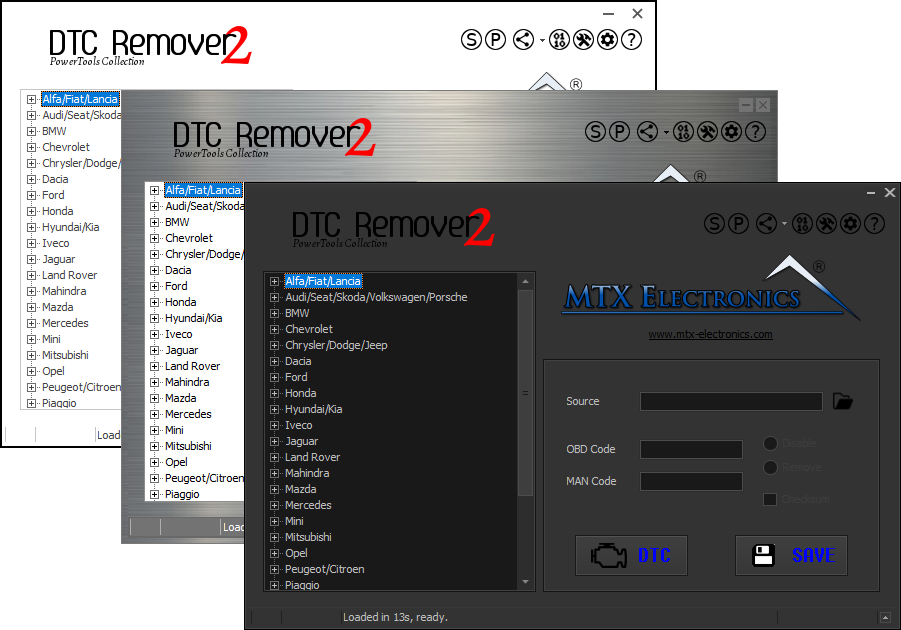
Lets you quickly disable fault codes to turn off the MIL light directly from your ECU file. Available in Standard and PowerTools editions with advanced scripting and online presets to remove faults by component groups.

All-in-one application for tuning experts preparing vehicles for track use. Designed for professional workshops, it simplifies the deactivation of non essential components to unlock true performance.

A free collection of checksum correction plugins for TunerPro that ensures safe ECU tuning. Automatically verify and update file checksums for reliable vehicle performance.