
Plugins are optional native add-ons that extend Tuning Editor. They are discovered and loaded automatically at startup from the plugin folders; each one is checked against the application’s plugin ABI version and is only loaded if it is compatible. The app talks to each plugin through a safe wrapper, never the raw library, so a misbehaving add-on cannot destabilise the rest of the program.

Open Help › Installed Plugins for a read-only list of everything that loaded, grouped by kind. Each entry shows its Id, Name, Version, Vendor, ABI and Capabilities, with a Configure… button for plugins that have settings and a Rescan button to re-scan the folders after you add one. A Load failures section lists any plugin that could not load and the reason — the first place to look if an add-on does not appear.
Note — if a plugin is missing from the list, it usually means a version mismatch (built against a different ABI) or a missing dependency. The Load failures section names the reason.
Plugin libraries live in Tuning Editor’s plugin folder (a .dll on Windows). Each plugin keeps its own configuration in a per-user plugin-settings folder, so its options survive updates and can be backed up or moved between machines independently of the program itself.
Tuning Editor exposes a small, stable C ABI, so you can write your own add-on in any language that can produce a native library. The two walkthroughs cover the documented plugin kinds end to end:

Immobilizer deactivation software for automotive professionals. Disable factory immobilizers directly in the ECU file ideal for engine swaps, track vehicles, and module replacements.
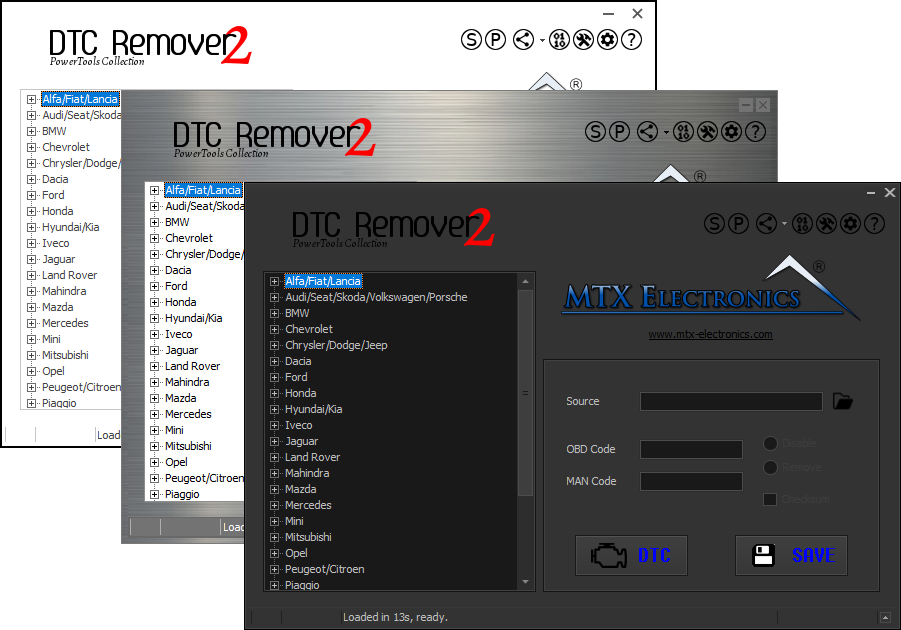
Lets you quickly disable fault codes to turn off the MIL light directly from your ECU file. Available in Standard and PowerTools editions with advanced scripting and online presets to remove faults by component groups.

A free, modern Windows software for viewing and editing ECU calibration data - map and hex editors, tuning calculators, and online services.