
Exporting writes the bytes of one or more sections back out to standalone files — the file you then flash to the ECU with your own tool. Open it from Collections › Export › Export Binary (Ctrl+Shift+E).

The dialog shows two lists — Versions and Sections — and exports the matrix of everything you tick: one file for each version × section pair that has data (empty cells are skipped). The active version is pre-ticked, but you can pick any version, and several at once; Select All and Select None help with large collections. If your choices produce a single file the dialog asks for a destination file; if they produce several it asks for a destination folder.
Choose the Format: Raw binary (the section’s bytes verbatim), Intel HEX (.hex) or Motorola S-record (.s19); installed I/O plugins can add more. For HEX and S-record the section’s read offset is written as the base address; for raw it is metadata only. The file extension is set automatically to match the format.
Tick Correct checksums before export and Tuning Editor recomputes and repairs the integrity checksums as it writes — using the installed checksum plugin (such as the Generic Checksum plugin). The correction runs on a copy of each version’s bytes and is applied only to the written file; the binaries stored in your collection are never changed. The option is unavailable when no checksum plugin is installed, or when checksum handling is switched off for the collection.
Warning — if you edited the file, leave checksum correction on. An ECU usually rejects an image whose checksum no longer matches its contents.
Output names come from an editable filename template built from ${placeholder} tokens, with a live example preview beneath it and a Placeholder reference popup that lists every token. Common ones include vehicle details (${vehicleProducer}, ${vehicleModel}, ${vehicleSeries}, ${vehicleVin}), ECU details (${ecuProducer}, ${ecuBuild}, ${ecuSoftwareVersion}, ${ecuStgNr}), the file itself (${sectionName}, ${versionName}, ${functionName}, ${extension}), project fields (${clientName}, ${projectType}, ${ticket}) and the date (${date}, ${time}, ${datetime}).
Tip — the same token names are read back when you batch-import, so a consistent template makes round-tripping files painless. To export across many collections at once, use batch export.

Immobilizer deactivation software for automotive professionals. Disable factory immobilizers directly in the ECU file ideal for engine swaps, track vehicles, and module replacements.
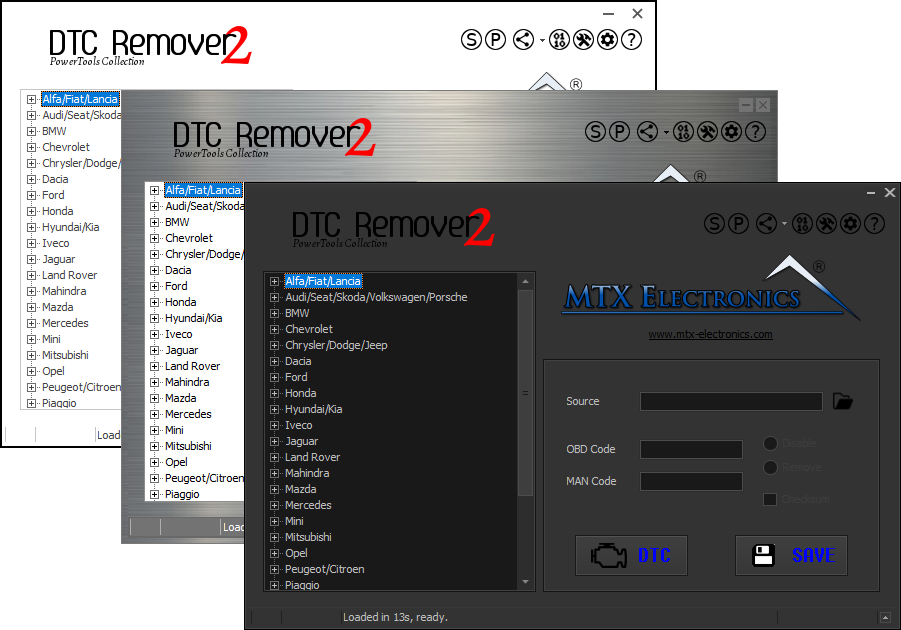
Lets you quickly disable fault codes to turn off the MIL light directly from your ECU file. Available in Standard and PowerTools editions with advanced scripting and online presets to remove faults by component groups.

A free collection of checksum correction plugins for TunerPro that ensures safe ECU tuning. Automatically verify and update file checksums for reliable vehicle performance.